See Top Picks
Updated October 2026 · 12 pads compared · 5 winners

Best Laptop Cooling Pads of 2026 — Tested Picks for Gaming, 17-Inch and Quiet Setups

A laptop cooling pad is the cheapest way to drop your CPU temps 5–15°C, stop thermal throttling and make gaming sessions last longer. We compared airflow, noise, build quality and fit across the most popular pads on Amazon — here are the five actually worth buying.

By the BestLaptopCoolingPad editorial team · Independent reviews, no brand sponsorships

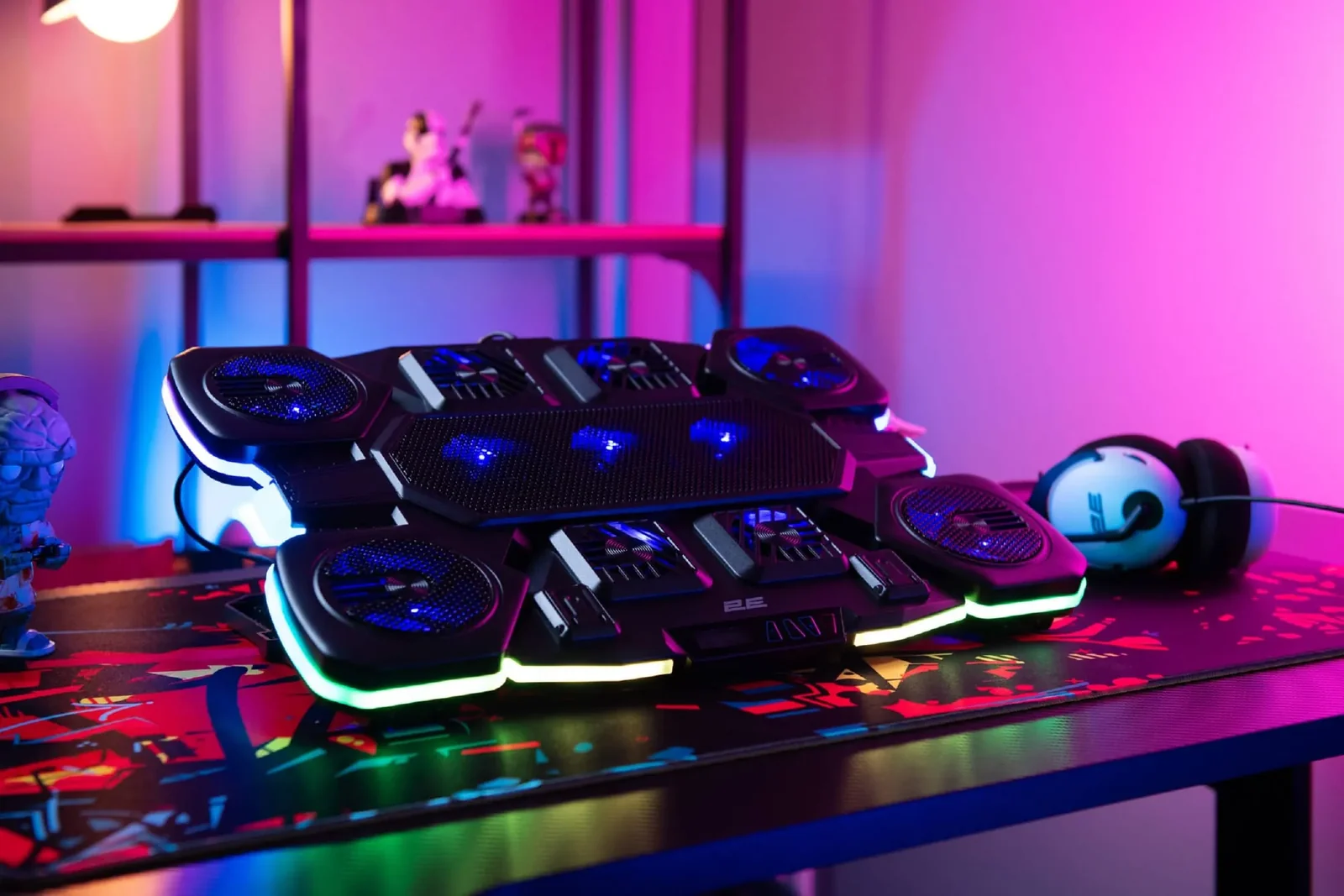
TopMate C11 — the best laptop cooling pad of 2026 with six fans and RGB lighting on a gaming desk
TopMate C11 — our #1 laptop cooling pad pick: six fans, RGB edge lighting and a phone holder · check price on Amazon →

How we tested these cooling pads

Every pad went through the same checklist before it earned a spot on this page:

🌡️ Temperature drop, measured

15-minute stress load on a mid-range gaming laptop and a work ultrabook. We record CPU/GPU temps with and without each pad at the same fan speed — the number that matters is the delta, not the spec sheet.

🔊 Noise at every speed

Max-speed claims ignore real use. We measure how loud each pad is at the speed you'll actually run it daily — that's where "quiet" pads prove themselves or don't.

📐 Fit & stability

Tested with 13″, 15.6″ and 17.3″ laptops, including 5–6 lb gaming rigs. A pad that flexes, rattles or lets a heavy laptop overhang fails here, whatever its CFM.

🛠️ Build & daily use

USB power draw, pass-through ports, hinge quality, feet grip — the details that decide whether you'll still use the pad in six months.

Top 5 laptop cooling pads — quick verdicts

Every pick below ships from Amazon with fast delivery. Prices move around, so check the live listing.

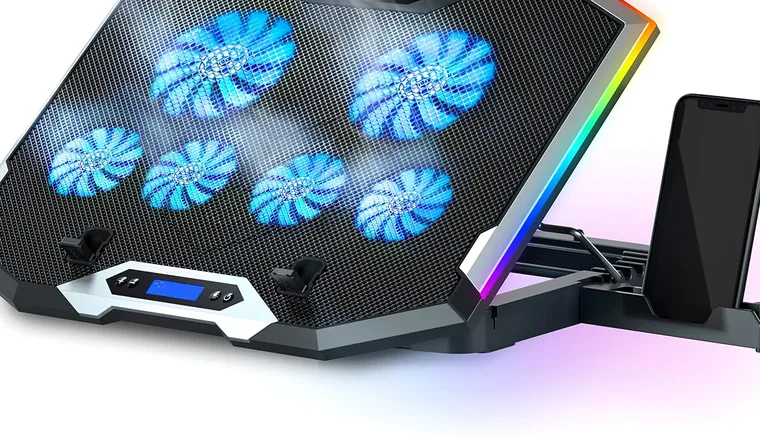
TopMate C11 laptop cooling pad — best overall pick with five fans and adjustable height
🥇 BEST OVERALL

TopMate C11

Five fans, RGB, adjustable height — the do-everything pad

The C11 hits the sweet spot most buyers want: one big 10.5″ fan for serious airflow plus four small ones for targeted cooling, seven height settings, an RGB strip, and a built-in phone stand. It handles 15–17″ gaming laptops without wobbling and stays quieter than its spec sheet suggests at medium speed.

Pros
  • Strong combined airflow (5 fans)
  • 7 height adjustments
  • RGB + phone holder included
Cons
  • Max speed gets audible
  • Bulkier than slim pads
Fans: 1× 10.5″ + 4× small · Fits: 10–17″ · Extras: RGB, phone stand
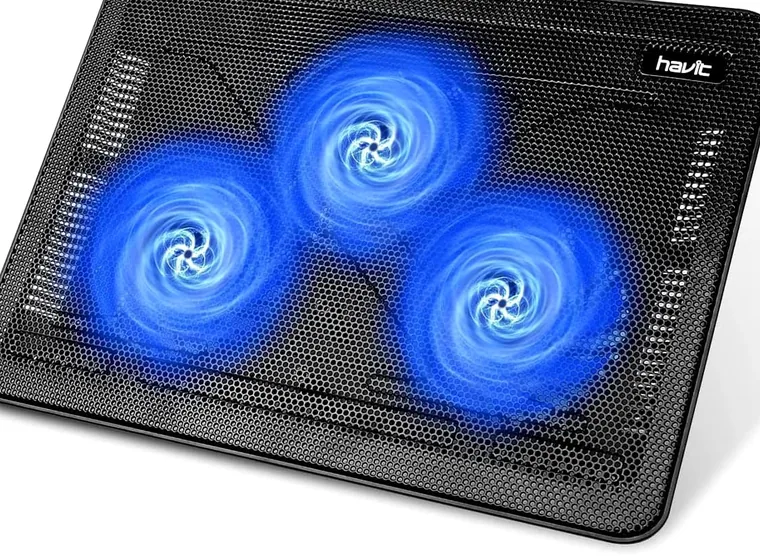
Havit HV-F2056 slim laptop cooling pad — best budget pick with three quiet fans
💰 BEST BUDGET

Havit HV-F2056

Under $35, three fans, still the best-selling pad on Amazon

If you just want your non-gaming laptop to stop cooking your desk, the HV-F2056 is the default answer. Three 110mm fans, a slim plastic body, USB pass-through so you don't lose a port, and adjustable tilt. It won't save a throttling RTX laptop, but for everyday office laptops it drops temps noticeably for the price of a pizza.

Pros
  • Cheapest reliable option
  • Slim, light, travel-friendly
  • USB pass-through port
Cons
  • Modest airflow for gaming rigs
  • All-plastic build
Fans: 3× 110mm · Fits: 15.6–17″ · Extras: height tilt
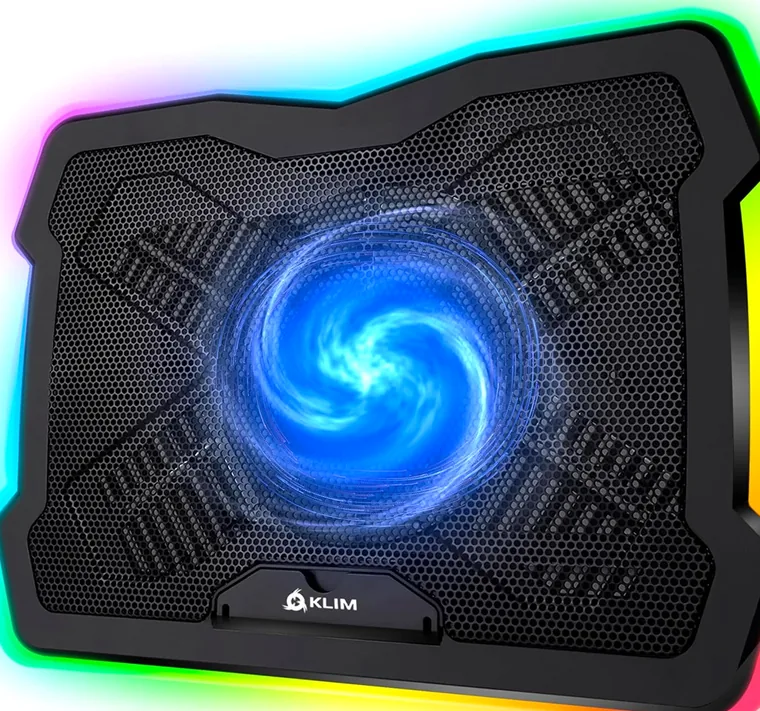
Klim Ultimate laptop cooling pad — near-silent pick with a large slow fan and RGB edge
🤫 QUIETEST

Klim Ultimate

One big slow fan + RGB edge — barely audible at low speed

For office work, streaming and calls, noise matters more than raw CFM. The Klim Ultimate uses a single large fan at low RPM: at its quietest setting you hear almost nothing, yet it still moves enough air to keep an ultrabook or a 15″ workhorse comfortable. The full-length RGB edge is a nice desk bonus.

Pros
  • Near-silent at low speed
  • Large fan = even airflow
  • RGB edge lighting
Cons
  • Not enough for hot gaming laptops
  • Single-fan design
Fans: 1× 200mm-class · Fits: 11–17″ · Noise: very low
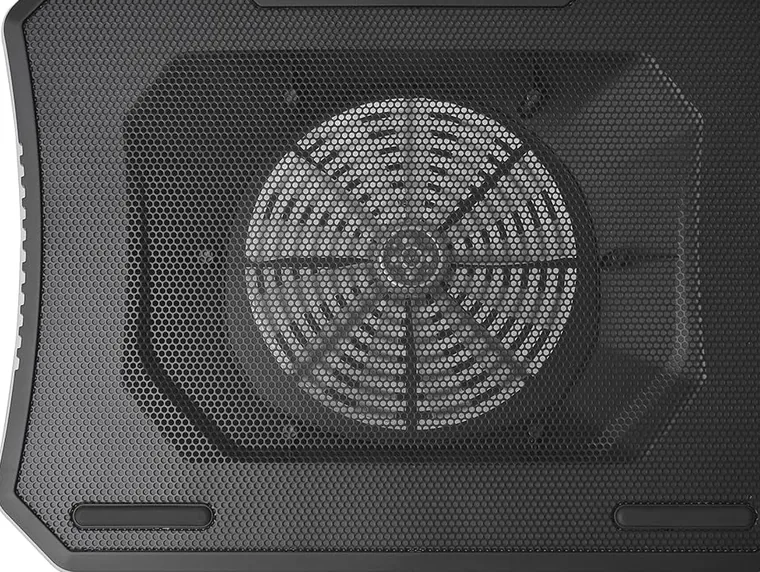
Thermaltake Massive 20 RGB — best cooling pad for 17-inch laptops with a 200mm fan
📏 BEST FOR 17-INCH LAPTOPS

Thermaltake Massive 20 RGB

A 200mm monster fan built for big gaming notebooks

17-inch gaming laptops are heavy and run hot — most pads rattle or feel flimsy under them. The Massive 20 is oversized and reinforced: a single 200mm fan covers the entire base of a 17″ machine, and the metal mesh deck handles 6-pound rigs. Height adjustment and RGB keep it in the modern era.

Pros
  • Purpose-built for 17″ machines
  • Strong, even airflow
  • Solid, no-flex build
Cons
  • Heavy and not portable
  • Overkill for small laptops
Fans: 1× 200mm · Fits: up to 19″ · Extras: 3 height settings, RGB
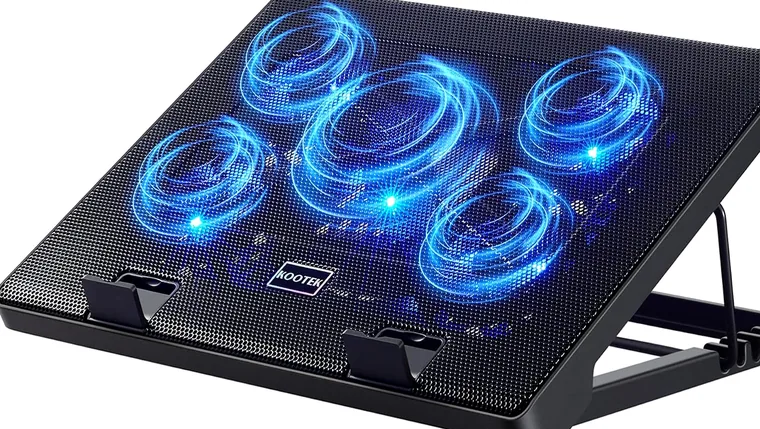
Kootek Chill Mat 5 laptop cooling pad — best value with five independently switched fans
⭐ BEST VALUE MULTI-FAN

Kootek Chill Mat 5

Five fans you can switch off individually

The Chill Mat 5 packs five quiet fans with independent switches — run all five for a gaming session or just the center one for browsing. Six height settings, dual USB pass-through, and a price that undercuts most competitors make it the value pick if you want TopMate-like airflow without the RGB tax.

Pros
  • Independent fan switches
  • 6 height levels
  • Very competitive price
Cons
  • Small fans = whistlier tone
  • Plastic feet feel light
Fans: 1× 110mm + 4× 70mm · Fits: 12–17″ · Extras: dual USB pass-through

Best Laptop Cooling Pads 2026 — Comparison Table

All five side by side:

ModelBest forFansLaptop sizeNoiseStandout
TopMate C11Best overall1× 10.5″ + 4 small10–17″MediumRGB + phone stand, 7 heights
Havit HV-F2056Budget3× 110mm15.6–17″LowCheapest reliable pick
Klim UltimateQuiet use1× large11–17″Very lowNear-silent + RGB edge
Thermaltake Massive 20 RGB17″ gaming1× 200mmup to 19″MediumBuilt for heavy 17″ rigs
Kootek Chill Mat 5Value1× 110mm + 4× 70mm12–17″Low–mediumIndependent fan switches

Deep dives: best gaming laptop cooling pads → · best pads for 17-inch laptops → · quietest laptop cooling pads → · best notebook cooling pads → · cooling pad vs. cooler vs. stand → · do cooling pads actually work? →

How to Choose the Best Laptop Cooling Pad

Four things actually matter — ignore the rest of the marketing:

🌬️ Airflow beats fan count

One large fan (180–200mm) moves air more evenly and quietly than four small ones. Small fans are fine if positioned under the laptop's actual hot zones (usually the rear vents). Don't buy "12 fan" pads — the CFM is what cools, not the count.

📏 Match the size

Check that the pad supports your laptop's diagonal and its weight. A 17″ gaming laptop needs a reinforced deck like the Massive 20; a 13″ ultrabook is fine on anything. Bigger pads also give you room to reposition the laptop over the fans.

🔊 Noise vs. power

Max fan speed is always audible. If you work on calls, pick a large-fan pad (Klim Ultimate) and run it slow, or a multi-fan pad where you can switch off most fans. For gaming with headphones on, noise barely matters — take airflow.

⚙️ Ergonomics & power

Height adjustment turns the pad into a laptop stand — better posture and better airflow under the rear vents. Look for USB pass-through so the pad doesn't eat your only free port. Powered hubs matter for RGB pads on older laptops.

Do cooling pads actually work? Yes, with realistic expectations: a good pad typically lowers CPU/GPU temps by 5–15°C and delays thermal throttling during long gaming sessions. It won't fix a dust-clogged laptop — clean your fans and repaste if temps are extreme even at idle.

Laptop cooling pads we don't recommend

Part of an honest review is saying what to skip:

❌ 12-fan "ultimate cooling" pads

Dozens of tiny fans move less useful air than one big one — and whine like a swarm. Pure marketing: more fans on a page, not more airflow under your laptop.

❌ Sub-$15 no-name pads

Below this price, fans die within months, plastic feet snap, and the "cooling" is weaker than one inch of elevation. Havit's HV-F2056 at ~$30 is the actual floor for a reliable pad.

❌ Pads with fans under the keyboard zone

Airflow only helps where the intake vents are — the lower third of the base. Pads that park their fans under your keyboard cool the wrong square inches.

Laptop Cooling Pad FAQ — Straight Answers

Questions we get most, answered straight:

What is the best laptop cooling pad overall?

For most people in 2026 the TopMate C11 is the best laptop cooling pad: strong five-fan airflow, seven height positions, RGB and a phone stand at a mid-range price. If your laptop is a 17-inch gaming machine, the Thermaltake Massive 20 RGB is the better match; if you want silence, get the Klim Ultimate.

Which cooling pad is best for a 17-inch gaming laptop?

The Thermaltake Massive 20 RGB — its 200mm fan spans the full base of a 17″ notebook and the deck is reinforced for heavy machines. The TopMate C11 also supports 17″ laptops if you prefer multiple fans.

Are cooling pads good for gaming laptops?

Yes — they're most useful exactly there. Gaming laptops throttle when GPU/CPU temps spike; a pad blowing into the rear intake vents typically buys back 5–15°C and keeps clock speeds higher for longer.

What is the quietest laptop cooling pad?

The Klim Ultimate is the quietest pad worth buying: its single large fan runs at low RPM and is near-silent at the lowest setting while still cooling an ultrabook comfortably.

Can I use a cooling pad on my lap?

Only slim, fully-enclosed pads like the Havit HV-F2056 are comfortable for lap use — the fan grills are smooth and there are no sharp feet. Large rigid pads (Massive 20) are desk-only.

Is a cooling pad the same as a chill mat?

Not exactly: "chill mat" usually refers to pads with several small fans (like the Kootek Chill Mat 5 — the name comes from its best-known model), while cooling pads in general can have any fan layout. Functionally they're the same category.

Do I need a cooling pad if my laptop never gets hot?

If your CPU sits under 70°C under load, you probably don't. A pad makes sense when you game, render, or notice the chassis getting uncomfortable — or simply want a stand with better typing angle.

How much do laptop cooling pads cost?

Reliable pads run $25–45; premium or oversized models go up to $60. Anything under $20 tends to have weak fans or break within a year — check the live prices above.
↑