Top 5 cooling pads for gaming laptops
Every pick ships from Amazon with fast delivery — check live prices in the listings.

TopMate C11
The center 10.5″ fan lands almost exactly under the rear intake zone of most 15–16″ gaming laptops, and the four small fans fill the gaps. Seven height settings angle the deck toward the exhaust, and at medium speed it's quieter than the spec sheet implies. Under $50, nothing else does as much.
- Strongest combined airflow in its price class
- Height adjustment improves exhaust flow
- RGB + phone stand included
- Audible at max speed (fine with a headset)
- Bulky in a backpack
(Amazon CDN image)
TopMate C12
If your priority is raw CFM, the C12's twin large fans move more air than any multi-small-fan deck at this price. Turbo mode is loud — but that's what turbo is for. Fits up to 17.3″, so it doubles as a big-rig pad if you skip the Massive 20.
- Highest raw airflow of the picks
- Covers 17.3″ machines
- No RGB
- Turbo whine
Thermaltake Massive 20 RGB
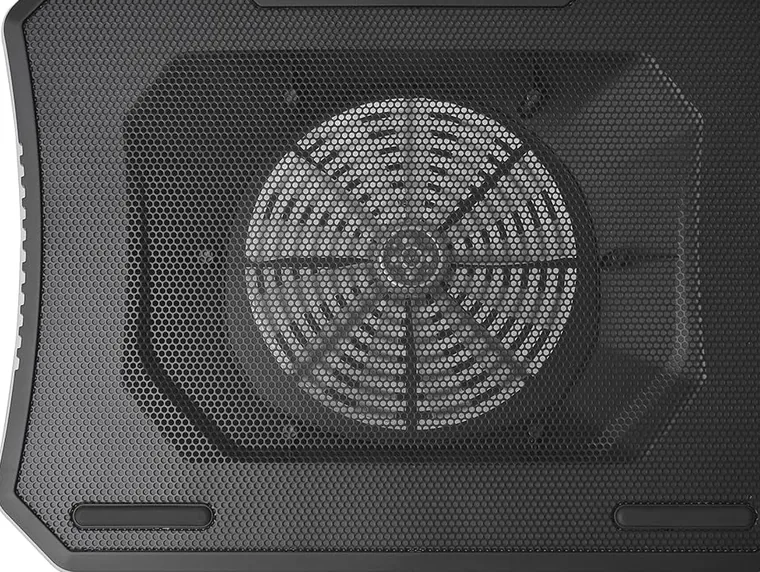
17″ gaming laptops weigh 5–6 pounds and run the hottest — most pads flex or rattle under them. The Massive 20's reinforced metal mesh deck and single 200mm fan cover the whole base evenly, which is exactly what a big rig wants. Full 17-inch cooling pad guide →
- Built for heavy 17″ machines
- Even full-base airflow
- Desk-only
- Heavy to move around

Klim Ultimate
Streaming or recording? Fan noise ruins it. The Klim Ultimate's single large fan at low RPM is barely audible while still handling 60–80W GPU configurations. It won't rescue a maxed-out i9 + RTX flagship, but for mainstream gaming rigs in quiet rooms it's the right trade-off.
- Near-silent at low speed
- Even airflow from a large fan
- Not enough for flagship machines
Kootek Chill Mat 5
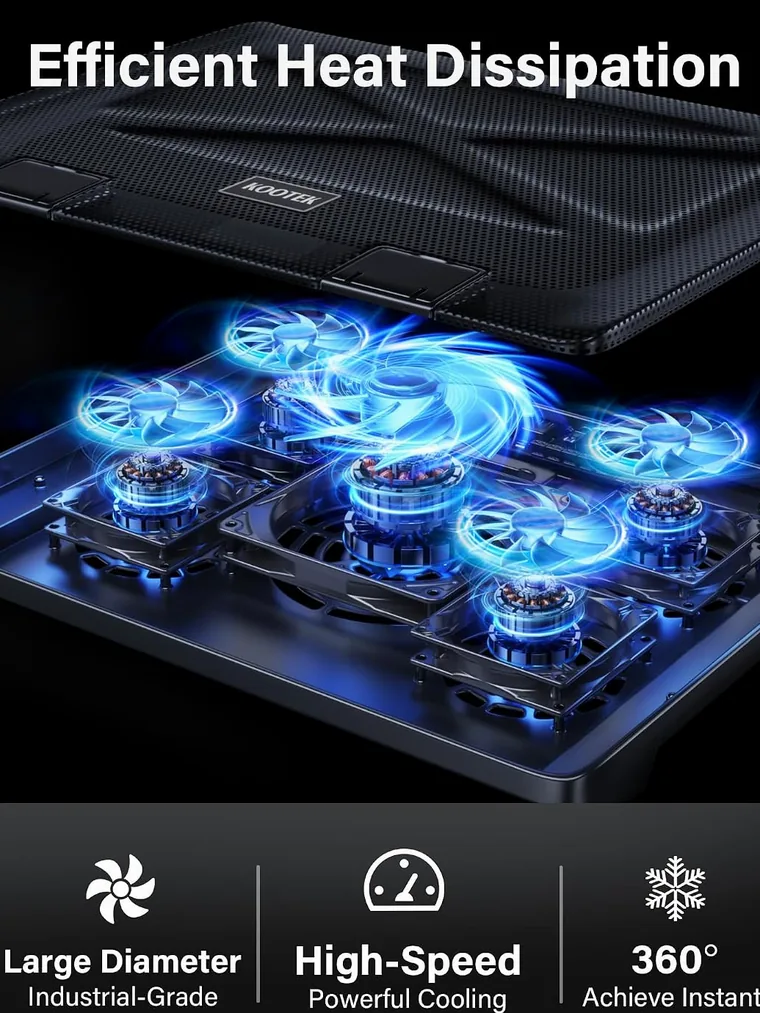
Independent fan switches mean you can point cooling (and noise) exactly where you need it. Position the laptop so the center fan sits under the rear vents and it punches above its price. Not as rigid as the Massive 20 for 17″ machines, but at this budget it's the best gaming option.
- Cheapest gaming-capable pad
- Individual fan switches
- Small fans — reposition your laptop over them
- Light feet flex under 17″ rigs